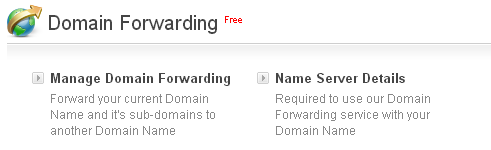
Domain Forwarding Service is provided free when you purchase any Product/Service through HL INFOTECH PVT LTD. In order to view the Domain Forwarding Service interface, you need to search for the Product/Service you have purchased and access its Order Information interface.
To List/Search and Manage the Domain Forwarding Service
-
Login to your Control Panel:
-
Next, click
Manage Orders -> List/Search Orders.
-
Search for the Order for which you have activated the Domain Forwarding Service.
-
On the next page, you would see a list of all your Product/Service Orders bought through HL INFOTECH PVT LTD. Click any domain name to reach its Overview.
-
Click the Domain Forwarding tab. This will bring up the Domain Forwarding Service interface.