


GPU Server vs CPU Server: Which One Does Your AI Workload Actually Need?
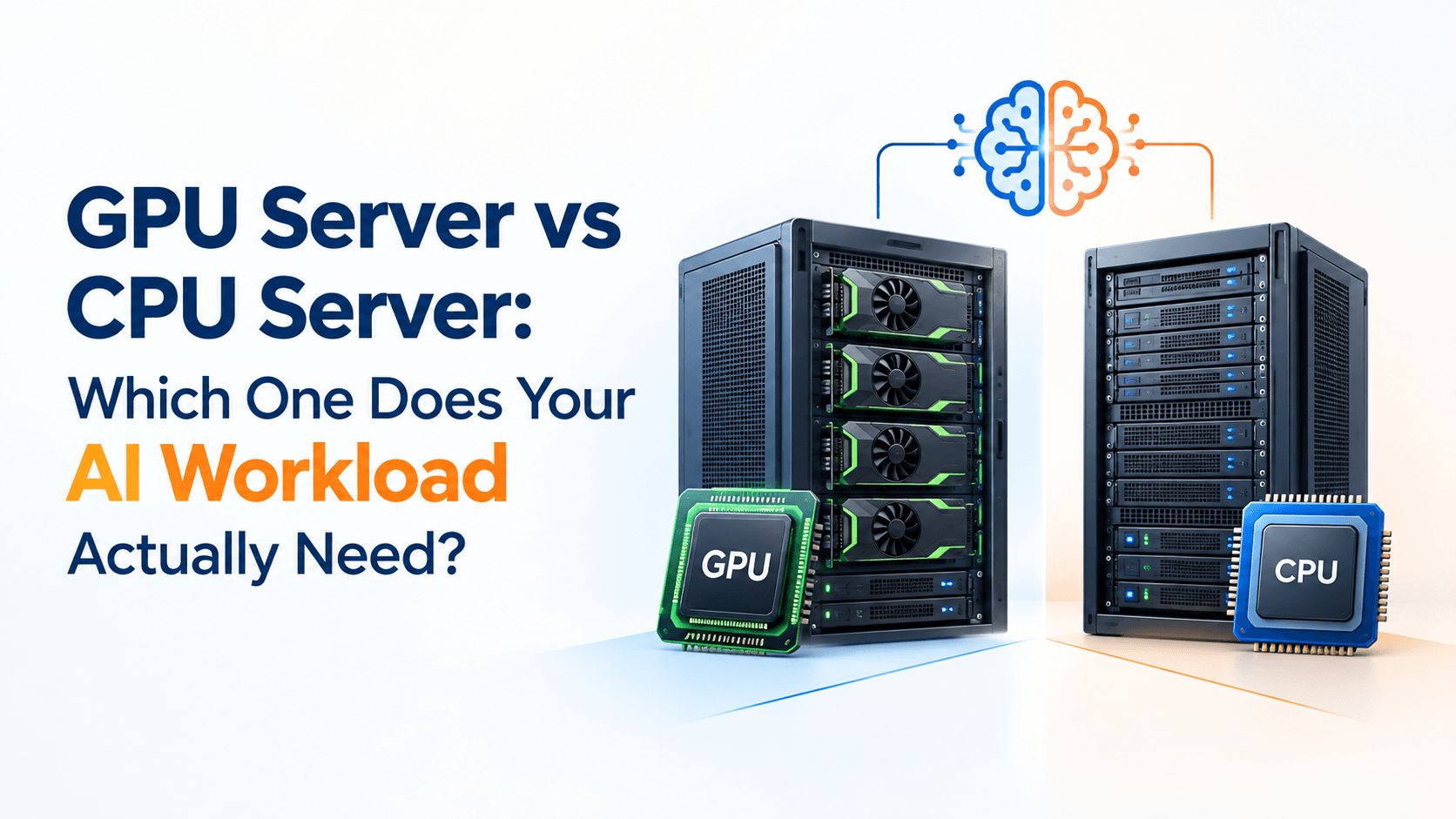
Artificial intelligence is no longer limited to large research labs. Businesses are using AI for chatbots, image processing, predictive analytics, automation, recommendation systems, and generative AI applications.
But there is an important infrastructure question behind every AI project:
Do you actually need a GPU server, or can a CPU server handle the workload?
The answer depends on what your application is doing, how large your models are, how much data you process, and how quickly you need results.
Choosing a GPU simply because it is associated with AI can increase infrastructure costs unnecessarily. On the other hand, running a demanding machine learning workload on a CPU-only server can create slow processing times and frustrating performance bottlenecks.
Understanding the difference between GPU and CPU servers helps you invest in infrastructure based on your actual requirements.
What Is a CPU Server?
A CPU server uses one or more Central Processing Units to process applications, calculations, requests, and workloads.
CPUs are designed to handle a wide variety of tasks efficiently. They are particularly useful when workloads involve sequential processing, general-purpose applications, database operations, web applications, APIs, and server management tasks.
For example, a business running a website, database, CRM application, email platform, or standard backend application will generally benefit from a well-configured CPU-based server.
CPU servers can also support certain AI workloads, particularly smaller models and applications where extremely high parallel processing performance is not required.
Common CPU Server Workloads
CPU servers are commonly used for:
- Websites and web applications
- Databases
- APIs and backend applications
- Business software
- Email platforms
- Virtual machines
- File storage
- Data processing
- Small machine learning models
- Lightweight AI inference
For many business applications, CPU infrastructure remains practical, reliable, and cost-effective.
What Is a GPU Server?
A GPU server includes one or more Graphics Processing Units designed to perform large numbers of calculations simultaneously.
While GPUs were originally developed primarily for graphics processing, their highly parallel architecture makes them particularly useful for artificial intelligence and machine learning.
Modern AI models often perform huge numbers of mathematical operations at the same time. GPUs can process many of these operations in parallel, making them particularly valuable for computationally intensive AI workloads.
A GPU server may therefore be used for:
- Machine learning model training
- Deep learning
- Large language models
- Computer vision
- Image generation
- Video analysis
- Speech and audio processing
- Scientific computing
- High-performance data processing
The important point is that a GPU is not automatically better for every server workload. Its value depends on whether your application can take advantage of parallel processing.
GPU Server vs CPU Server: The Key Difference
The simplest way to understand the difference is to look at how the processors handle computation.
A CPU generally has a smaller number of powerful processing cores designed to handle different types of operations and complex instructions efficiently.
A GPU contains a much larger number of processing cores designed to execute many similar calculations simultaneously.
This makes GPUs particularly effective for workloads such as neural network training, where the same mathematical operations may need to be performed across huge amounts of data.
Think of it this way:
A CPU is like a highly capable general-purpose team that can handle many different types of tasks.
A GPU is more like a large specialized team that can perform thousands of similar calculations simultaneously.
Neither is universally better. They are designed for different workloads.
When Does an AI Workload Need a GPU Server?
The biggest factor is computational intensity.
If your AI application requires significant parallel mathematical processing, a GPU can dramatically improve performance.
1. Training Deep Learning Models
Training neural networks can require enormous numbers of calculations.
Models used for computer vision, natural language processing, generative AI, and other deep learning applications can benefit substantially from GPU acceleration.
For example, training an image classification model using thousands or millions of images can take considerably longer on a CPU than on suitable GPU infrastructure.
2. Large Language Models
Large language models can require significant computational resources for both training and inference.
If your organization is developing, fine-tuning, or running larger AI models locally, GPU infrastructure may be necessary.
The exact requirement depends on the model size, quantization, batch size, context length, and expected number of simultaneous users.
3. Computer Vision
Applications that analyze images or video often perform large numbers of matrix and tensor operations.
GPU servers can be useful for applications such as:
- Object detection
- Facial recognition
- Medical image analysis
- Industrial inspection
- Video analytics
- Image classification
4. Generative AI
Generative AI workloads can require substantial compute resources.
If you are generating images, video, audio, or running large language models, GPUs can help process workloads much faster than general-purpose CPU infrastructure in many cases.
When Is a CPU Server Enough for AI?
Not every AI project requires a GPU.
A CPU server may be sufficient when your workload is relatively lightweight or when AI processing is not happening continuously.
For example, you may be able to use CPU infrastructure for:
- Small machine learning models
- Simple classification tasks
- Basic recommendation systems
- Low-volume AI inference
- Data preprocessing
- AI application backends
- API-based AI applications
- Model development and testing
- Traditional statistical analysis
Consider a business chatbot that sends requests to an external AI API.
The application itself may not need a GPU server because the computationally intensive model inference happens on the external AI provider’s infrastructure.
Your server may primarily handle the website, authentication, database, API requests, logging, and application logic.
In that scenario, paying for GPU infrastructure could be unnecessary.
GPU Server vs CPU Server: Cost Considerations
Performance is only one part of the decision.
GPU servers generally involve higher infrastructure costs because GPUs are specialized and expensive components. The total cost can also increase because of additional power consumption, cooling requirements, storage requirements, and infrastructure considerations.
Therefore, the right question is not:
“Which server is more powerful?”
Instead, ask:
“Which server provides the performance I need at a reasonable total cost?”
For example, imagine an AI application that processes only a few requests every hour.
A GPU server may provide excellent processing performance, but the additional infrastructure expense may not be justified.
Now consider an AI service processing thousands of computationally intensive requests every hour. In that situation, faster GPU processing may have a much stronger business case.
How to Decide Between a GPU and CPU Server
Before selecting infrastructure, evaluate your workload using several factors.
Understand the AI Model
Start by identifying the model you plan to run.
Is it:
- A small machine learning model?
- A deep learning model?
- A large language model?
- A computer vision model?
- An image generation model?
- A custom model that you are training?
Different models have very different hardware requirements.
Check Memory Requirements
GPU selection is not only about raw processing power.
GPU memory, commonly called VRAM, can be critical.
If your model cannot fit into available GPU memory, simply having a powerful GPU may not solve the problem.
Consider:
- Model size
- Batch size
- Input size
- Context length
- Precision
- Number of simultaneous users
These factors can significantly influence memory requirements.
Consider Training vs Inference
Training and inference should not automatically be treated as the same workload.
Training generally requires significantly more computational resources because the model needs to process data repeatedly and update its parameters.
Inference involves using an already-trained model to generate predictions or responses.
A business performing occasional inference may have very different infrastructure requirements from a company continuously training models.
Estimate Your Workload Volume
Ask how much work the server needs to process.
For example:
Low workload:
A few AI predictions per hour.
Medium workload:
Hundreds or thousands of predictions per day.
High workload:
Continuous AI processing with many concurrent users.
The higher the workload, the more important infrastructure performance and scalability become.
Don’t Forget the CPU in a GPU Server
One common misconception is that a GPU server makes the CPU irrelevant.
It does not.
A GPU server still requires a capable CPU to handle tasks such as:
- Operating system operations
- Data preparation
- Application logic
- Networking
- Storage operations
- Scheduling
- Communication with the GPU
In many AI environments, the CPU prepares and feeds data to the GPU while the GPU performs computationally intensive operations.
This means the goal should not necessarily be choosing between a CPU and GPU.
For many AI workloads, the best architecture is a balanced combination of CPU, GPU, memory, storage, and networking.
Storage and Networking Also Matter
A powerful GPU cannot compensate for an infrastructure bottleneck elsewhere.
If your AI application constantly loads large datasets, slow storage can limit overall performance.
Similarly, applications processing large datasets across multiple systems may require high network throughput.
When planning AI infrastructure, evaluate:
Compute: CPU and GPU performance
Memory: System RAM and GPU VRAM
Storage: SSD/NVMe capacity and performance
Networking: Bandwidth and latency
Software: Drivers, libraries, frameworks, and operating system compatibility
A balanced server configuration is often more useful than simply selecting the most powerful available GPU.
Practical Example: Which Server Would You Choose?
Imagine two businesses.
Business A: AI-Powered Customer Support
The company operates a customer support website where users submit questions.
The application sends those questions to an external AI API and displays the responses.
The company’s own server handles the website, database, authentication, and API communication.
A CPU-based server may be sufficient because the heavy AI computation is performed externally.
Business B: Computer Vision Platform
Another company processes thousands of high-resolution images every day using its own trained deep learning model.
The application needs to perform image analysis continuously with relatively low response times.
This workload is much more computationally intensive and may justify GPU-based infrastructure.
The difference is not simply that one company uses AI and the other does not.
The difference is where and how the AI computation takes place.
A Simple GPU vs CPU Decision Checklist
Before purchasing or deploying a server, answer these questions:
Are you training deep learning models?
If yes, investigate GPU requirements.
Are you running large AI models locally?
Check the model’s CPU, GPU, and memory requirements.
Are you primarily calling external AI APIs?
A CPU server may be sufficient for your application layer.
Do you process large volumes of images or video?
GPU acceleration may provide significant benefits.
Is your AI workload occasional?
Consider whether dedicated GPU infrastructure is economically justified.
Does your workload require real-time responses?
Evaluate latency and throughput requirements.
Does your model fit into the available GPU memory?
Check VRAM requirements before selecting hardware.
Should You Rent or Buy GPU Infrastructure?
For businesses experimenting with AI, purchasing expensive hardware immediately may not always be the most practical approach.
Cloud or hosted infrastructure can provide access to specialized computing resources without requiring the business to purchase, maintain, cool, and replace physical hardware.
On the other hand, organizations with predictable, continuous workloads may need to evaluate whether dedicated infrastructure makes more financial sense over the long term.
The right choice depends on workload duration, utilization, budget, security requirements, scalability, and operational preferences.
This is where working with an experienced hosting and cloud infrastructure provider can make the decision easier.
Build Infrastructure Around the Workload, Not the Trend
AI infrastructure is changing quickly, but the basic principle remains simple:
Choose infrastructure based on what your application actually needs.
A CPU server can be an excellent choice for websites, applications, databases, APIs, and lighter AI workloads.
A GPU server becomes more relevant when your application performs computationally intensive parallel workloads such as deep learning, large-scale inference, computer vision, or generative AI.
And in many real-world environments, the answer is not CPU versus GPU. It is a properly balanced architecture where both work together.
Your Next Step Forward
Choosing the right AI infrastructure can affect application speed, operating costs, scalability, and the experience your users receive.
Instead of selecting a server based solely on specifications or the popularity of a particular GPU, evaluate your model, workload, memory requirements, processing volume, storage, networking, and expected growth first.
With 25+ years of experience in web hosting and cloud infrastructure, Site2Host helps businesses select and manage infrastructure based on practical requirements rather than one-size-fits-all configurations. From VPS hosting and NVMe-based web hosting to AWS and Azure cloud infrastructure, the focus is on reliable infrastructure, performance, security, migration support, and long-term scalability.
If you are unsure whether your AI application needs a CPU server, GPU infrastructure, VPS, or cloud deployment, talk to Site2Host about your workload and infrastructure requirements before making the investment.
With proven results, industry expertise, and reliable support, we consistently deliver outcomes that competitors cannot match. If you want an infrastructure that grows with your ambitions and never lets your visitors down, get in touch with Site2Host today.
📞 +91-88988 16336 | +91-97681 14582
📧 [email protected]🌍 www.site2host.com
Facebook
Twitter
LinkedIn
Email
Latest Post

September 17, 2026
September 10, 2026

August 29, 2026

Related Article
September 25, 2026
No Comments
September 25, 2026
No Comments
September 17, 2026
No Comments