

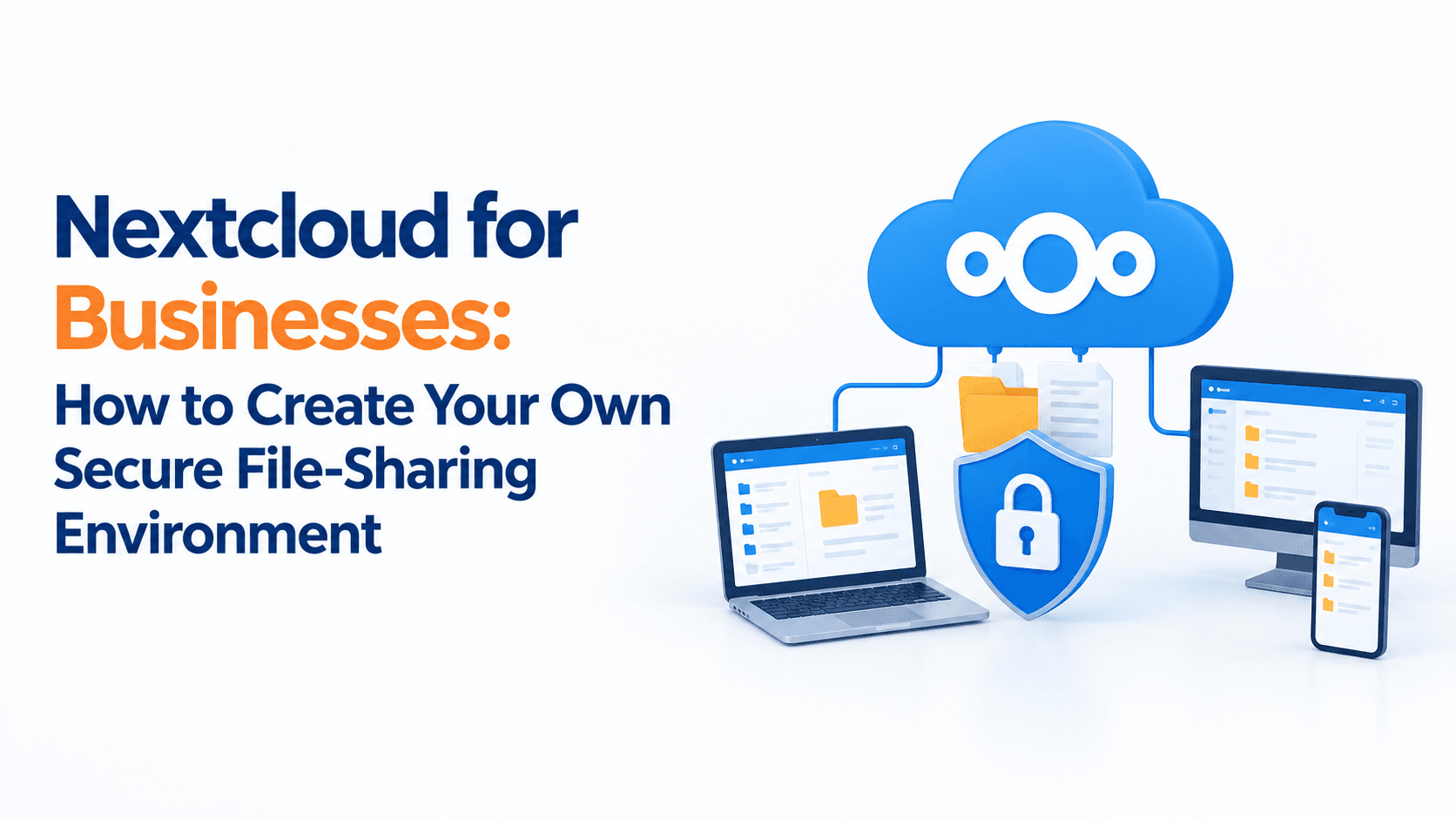
Nextcloud for Businesses: How to Create Your Own Secure File-Sharing Environment
Businesses handle hundreds or even thousands of files every day, from contracts and invoices to employee documents, project files, customer data, and confidential business information.
Traditional email attachments and consumer file-sharing platforms may work for basic file transfers, but growing businesses often need greater control over where their data is stored, who can access it, and how files are shared.
This is where Nextcloud for businesses can be a useful solution.
Nextcloud is a self-hosted file-sharing and collaboration platform that allows businesses to create their own private environment for storing, accessing, syncing, and sharing files. It can be deployed on infrastructure controlled by the business or hosted through a suitable server provider.
What Is Nextcloud?
Nextcloud is an open-source platform designed for file storage, synchronization, sharing, and collaboration.
Instead of keeping business files exclusively inside a third-party consumer cloud service, a company can deploy Nextcloud on its own server or suitable hosted infrastructure.
Employees can then access files through a web browser, desktop application, or mobile device while administrators maintain control over users, permissions, sharing policies, and storage.
For businesses, this creates a private digital workspace for company files.
Why Should Businesses Consider Nextcloud?
The main reason businesses consider Nextcloud is control.
With a self-hosted environment, an organization can determine where its data is stored and how access is managed. Nextcloud supports granular sharing permissions, access controls, encryption options, file versioning, and other security features.
Greater Control Over Business Data
Businesses may work with sensitive information such as:
- Customer documents
- Financial records
- Employee files
- Contracts
- Product information
- Project documents
- Legal documents
- Internal reports
Keeping these files within a controlled environment can make it easier for IT teams to establish appropriate access and sharing policies.
Centralised File Storage
Instead of employees storing important files across personal laptops, USB drives, email inboxes, and different cloud services, Nextcloud can provide a central location for business data.
Teams can organise documents into folders based on departments, projects, clients, or other business requirements.
Secure File Sharing
Nextcloud allows users to share files internally and externally while applying controls such as passwords, expiration dates, permissions, and download restrictions.
This can be particularly useful when employees need to send large or confidential files to customers, vendors, consultants, or business partners.
How Does a Business Create a Nextcloud Environment?
Creating a business Nextcloud environment involves more than simply installing the software.
The underlying server, storage, security, backups, domain, SSL certificate, and user-management structure should all be planned properly.
Step 1: Determine Your Storage Requirements
Start by estimating how much data your business currently has and how quickly it is growing.
Consider:
- Number of employees
- Current storage requirements
- Expected yearly growth
- File types and sizes
- Backup requirements
- Number of external users
- Collaboration requirements
For example, a small company with 10 employees may have very different storage requirements from a design agency with hundreds of gigabytes of large media files.
Step 2: Choose the Right Server Environment
Nextcloud can be deployed on suitable server infrastructure, including hosted VPS environments or business-controlled infrastructure.
The server should have sufficient:
- CPU resources
- RAM
- SSD/NVMe storage
- Network bandwidth
- Backup capacity
- Security configuration
For businesses, choosing infrastructure based on actual workload is important rather than selecting a server only because it offers the lowest monthly price.
Site2Host provides VPS and hosting infrastructure designed for businesses that need scalable server resources, backups, and secure hosting environments.
Step 3: Install and Configure Nextcloud
After the server environment is prepared, Nextcloud can be installed and configured.
The configuration should include:
- Business domain or subdomain
- SSL certificate
- Database
- Storage location
- Administrator account
- User accounts
- Groups
- Sharing policies
- Backup configuration
- Security settings
The objective should be to create a reliable business environment rather than simply getting the login page working.
Step 4: Create Users and Groups
One of the important advantages of a business file-sharing system is the ability to control access according to employee roles.
For example, a company could create groups such as:
Management
Access to company-wide reports and confidential management documents.
Finance
Access to accounting, invoices, financial statements, and related documents.
HR
Access to employee records and recruitment documents.
Sales
Access to proposals, presentations, customer documents, and sales materials.
Operations
Access to project documents and operational files.
Nextcloud supports user and group permissions, allowing administrators to control how files and folders are shared.
How Can Businesses Secure Their Nextcloud Environment?
Installing Nextcloud is only the beginning. Security should be considered at multiple levels.
Use HTTPS
Business file-sharing environments should use HTTPS to protect communication between users and the server.
An SSL certificate helps encrypt data while it is being transmitted between the user’s device and the server.
Enable Strong Authentication
Businesses should use strong passwords and consider additional authentication controls such as two-factor authentication where appropriate.
Nextcloud supports multiple second-factor methods, including TOTP and WebAuthn-compatible authentication.
Apply File Access Controls
Not every employee should automatically have access to every business document.
Nextcloud’s File Access Control functionality allows administrators to create rules based on factors such as user groups, IP addresses, file types, and other criteria.
This allows businesses to build access policies around their actual requirements.
Use Encryption Where Appropriate
Nextcloud supports different encryption approaches.
Server-side encryption can protect data at rest, while end-to-end encryption can be used for selected highly sensitive folders. With end-to-end encryption, files are encrypted on supported client devices before being uploaded, meaning the server cannot read the unencrypted content.
The correct encryption model should be selected according to the company’s security requirements and operational needs.
Securely Share Files With Customers and Partners
One particularly useful Nextcloud feature for businesses is File Drop.
A business can create an upload location where customers, applicants, vendors, or other external parties can submit files without receiving access to the company’s existing folders.
For example, an HR department could provide an applicant with a secure upload link for submitting documents.
Similarly, an accounting company could create a dedicated upload location for clients to submit invoices and financial documents.
Nextcloud supports features such as password protection, expiration dates, upload permissions, notifications, and audit tracking for File Drop workflows.
Don’t Forget About Backups
A private file-sharing server does not eliminate the need for backups.
In fact, businesses should treat backups as a critical part of the overall Nextcloud deployment.
A good backup strategy should consider:
- Database backups
- File backups
- Configuration backups
- Backup frequency
- Off-site copies
- Retention periods
- Recovery testing
A backup is useful only if the business can actually restore its data when required.
For businesses using VPS infrastructure, Site2Host offers backup-related services and infrastructure options that can be considered as part of a broader business continuity strategy.
Nextcloud vs Traditional File Sharing
Traditional file sharing often involves a combination of email attachments, USB drives, network folders, and consumer cloud accounts.
This can create problems such as:
- Duplicate files
- Unclear file versions
- Uncontrolled sharing
- Difficult access management
- Employees storing company files on personal accounts
- Limited visibility into who accessed information
A properly configured Nextcloud environment can bring file storage and sharing into a central platform while giving administrators more control over access and security.
Is Nextcloud Suitable for Every Business?
Not necessarily.
Nextcloud is most useful when a business needs greater control over its data, customised access policies, self-hosted infrastructure, or integration with existing storage systems.
However, deploying and maintaining a business file-sharing environment requires proper server management, security updates, backups, monitoring, and administration.
Businesses without internal technical resources may therefore benefit from working with a hosting or infrastructure provider that can help configure and maintain the underlying environment.
Build a Private File-Sharing Environment With Site2Host
A business does not necessarily need to rely entirely on consumer cloud storage to share and manage its files.
With Nextcloud, organisations can create a self-hosted file-sharing environment that combines centralised storage, collaboration, controlled sharing, access management, and security features.
The most important part is not simply installing Nextcloud. It is designing the complete environment around the business’s requirements, including server resources, storage, security, user permissions, backups, and ongoing maintenance.
If your business is considering a private file-sharing solution, Site2Host can help you evaluate the appropriate hosting and VPS infrastructure for your requirements and build a reliable environment for your business applications and data.
Frequently Asked Questions
Is Nextcloud good for business?
Nextcloud can be suitable for businesses that need self-hosted file storage, controlled file sharing, collaboration, and greater control over their data and infrastructure.
Can Nextcloud be hosted on a VPS?
Yes. Nextcloud can be deployed on suitable VPS infrastructure with adequate CPU, memory, storage, networking, and security configuration.
Is Nextcloud secure?
Nextcloud provides multiple security features, including access controls, authentication options, encryption capabilities, sharing restrictions, and monitoring features. However, the overall security of a deployment also depends on server configuration, updates, passwords, backups, and administrative practices.
Can customers upload files to Nextcloud?
Yes. Nextcloud’s File Drop functionality can provide customers and external users with dedicated upload links without giving them access to the underlying folder contents.
Does Nextcloud replace a backup system?
No. Nextcloud is primarily a file-sharing and collaboration platform. Businesses should maintain a separate, properly designed backup and recovery strategy for important data.
With proven results, industry expertise, and reliable support, we consistently deliver outcomes that competitors cannot match. If you want an infrastructure that grows with your ambitions and never lets your visitors down, get in touch with Site2Host today.
📞 +91-88988 16336 | +91-97681 14582
📧 sales@site2host.com
🌍 www.site2host.com
Facebook
Twitter
LinkedIn
Email
Latest Post

September 17, 2026

September 10, 2026
August 29, 2026

Related Article
September 25, 2026
No Comments
September 25, 2026
No Comments
September 17, 2026
No Comments